

No-shows silently drain salon revenue every day—especially during peak bridal season when every slot counts toward monthly targets, and honestly, those empty chairs just hurt to look at. Reducing no-shows requires more than a generic text message; it demands an intelligent client reminder workflow that adapts to individual booking habits and service urgency, not just some cookie-cutter template everyone uses.
What Intelligent Reminder Workflows Actually Mean for Your Salon
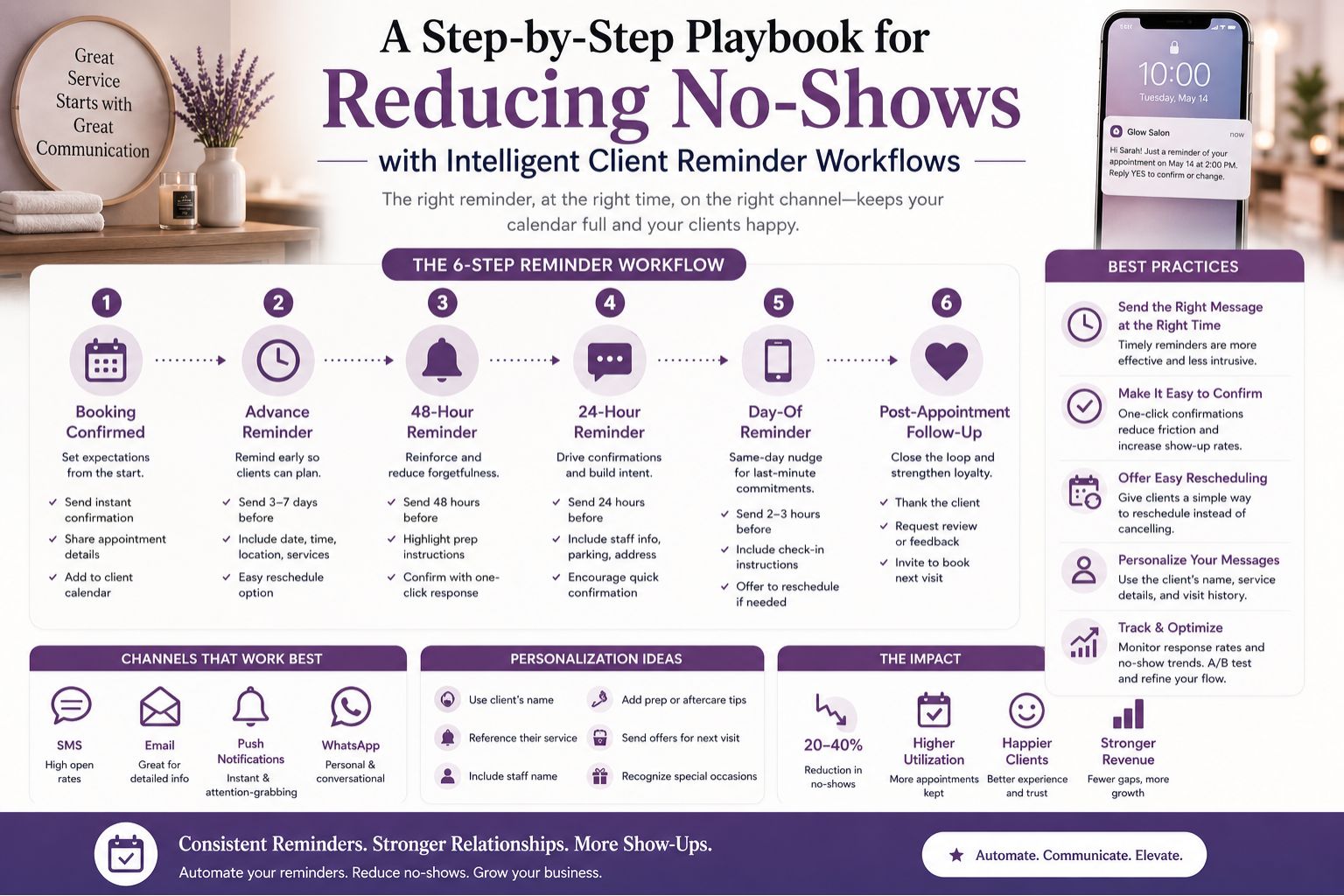
An intelligent workflow does not just blast a single reminder 24 hours before an appointment—we've all done that and watched clients ghost anyway. It layers communication based on booking lead time, service type, and client history, so a bridal package booked two months ahead receives a confirmation at booking, like a "hey we've got you," then a pre-treatment care note at two weeks, and a final reminder with prep instructions 48 hours prior. That's three touchpoints, not one desperate text.
Why Standard Reminders Fail on Indian Skin and Hair Clients
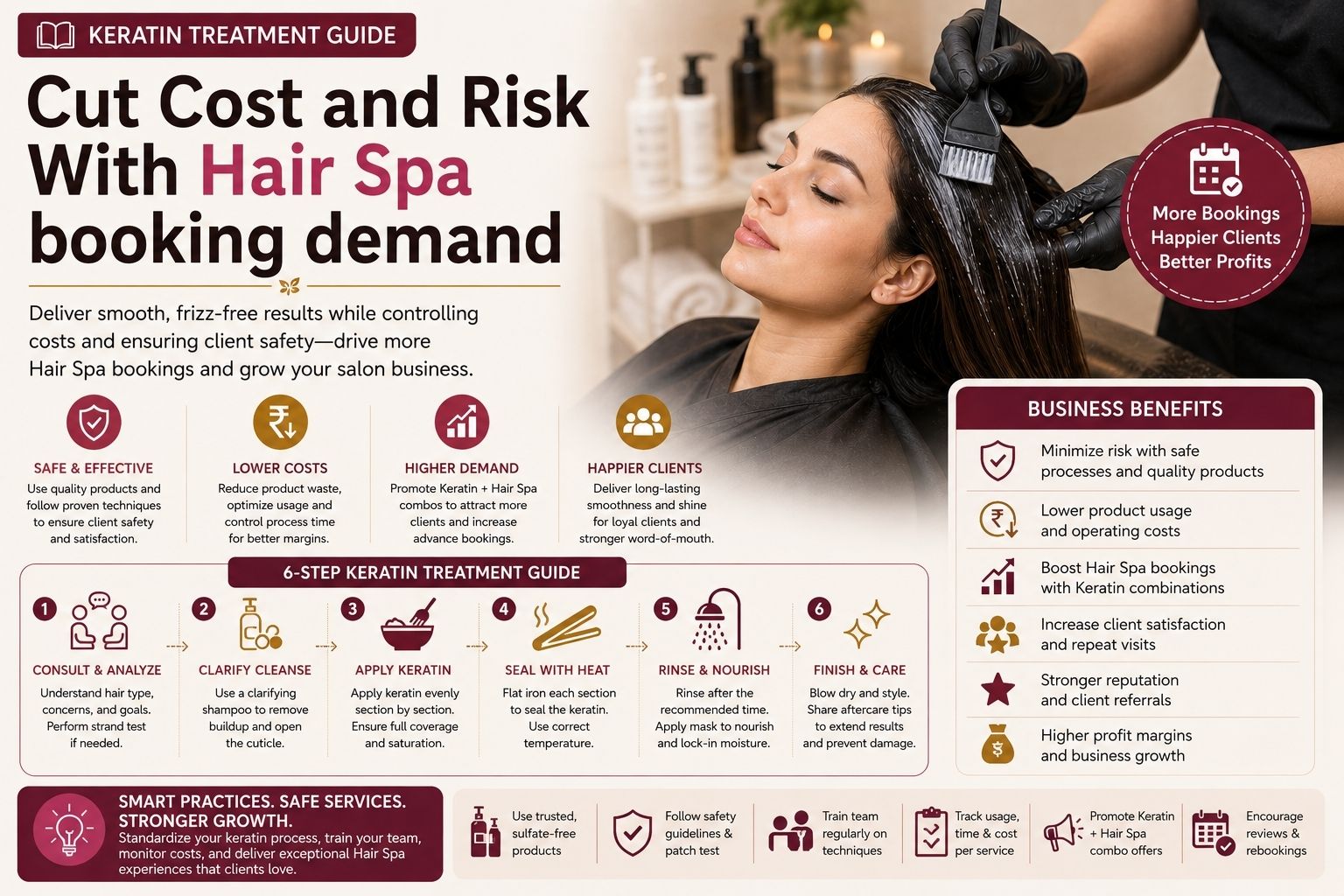
Standard one-size-fits-all reminders ignore that many clients book after browsing Instagram or seeking emergency smoothening fix visits—like that girl who saw her frizzy hair in a selfie and panicked. A client who books a keratin treatment for damaged hair may cancel if reminded too early, thinking "oh maybe I don't need it yet," whereas a wedding facial client needs preparation reminders about avoiding active acne treatments before the session to prevent redness. It's not the same girl, same problem, same reminder.
The Mistake That Kills Appointment Retention
The biggest blind spot is treating all reminders as informational instead of transactional—like sending a cheap pamphlet nobody reads. A workflow that only confirms time but does not include a one-click reschedule option forces cancellations when plans shift, and honestly, life happens. Many salons overlook that a client with skin sensitivity may skip a facial if they feel rushed into an earlier slot without understanding service dependencies, like avoiding waxing 48 hours prior. One girl told me she cancelled because she didn't know she had to prep, and that's on us, not her.
How to Design a Workflow That Drives Decision and Saves Revenue
Build your workflow around three triggers: booking confirmation with a service summary, a pre-appointment care alert including boundaries like avoiding heavy moisturiser before a facial, and an automated reschedule link for last-minute changes—because nobody wants to call and explain why they're late. For regular clients, add a loyalty acknowledgment such as "Your rebonding maintenance is due—bring your usual serum." This approach turns reminders into trust-building tools, not spammy nudges. Explore salon management blogs for deeper workflow strategies, maybe even steal a few ideas.
FAQ
q How many reminders should I send before an appointment?
a Send two to three reminders: one at booking, one a week before for long-lead services, and one 24 to 48 hours prior with prep instructions and reschedule options. Don't overdo it or they'll block your number.
q What if a client has skin sensitivity that changes their plans?
a Include a pre-screening question in the first reminder about active breakouts or recent peels, so you can offer a reschedule or service adjustment before they cancel entirely. That saved a few facials for me last month.
q Do automated reminders help with bridal or event bookings?
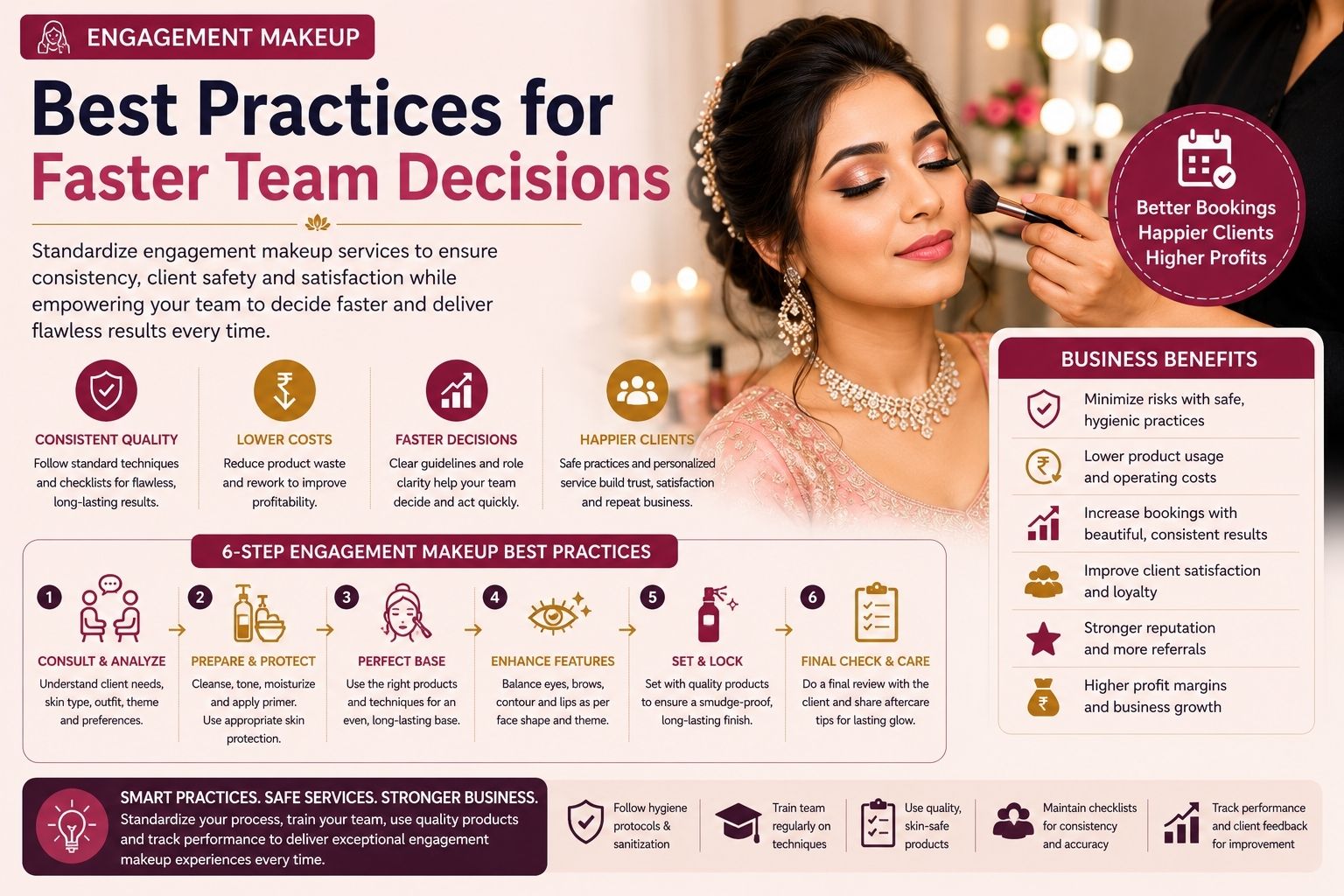
a Yes, bridal workflows significantly reduce no-shows by adding a preparation timeline reminder that covers patch tests, hair smoothening aftercare, and session timing for multi-step packages. Brides are anxious enough, they need hand-holding.
q How do I measure if my workflow is actually reducing no-shows?
a Track the no-show rate monthly and compare it before and after implementation. Also monitor reschedule completion rates, as high reschedule activity indicates your workflow is keeping clients engaged rather than losing them. For personalised setup guidance, visit Parlourtime contact or check Parlourtime for workflow templates tailored to beauty business needs.