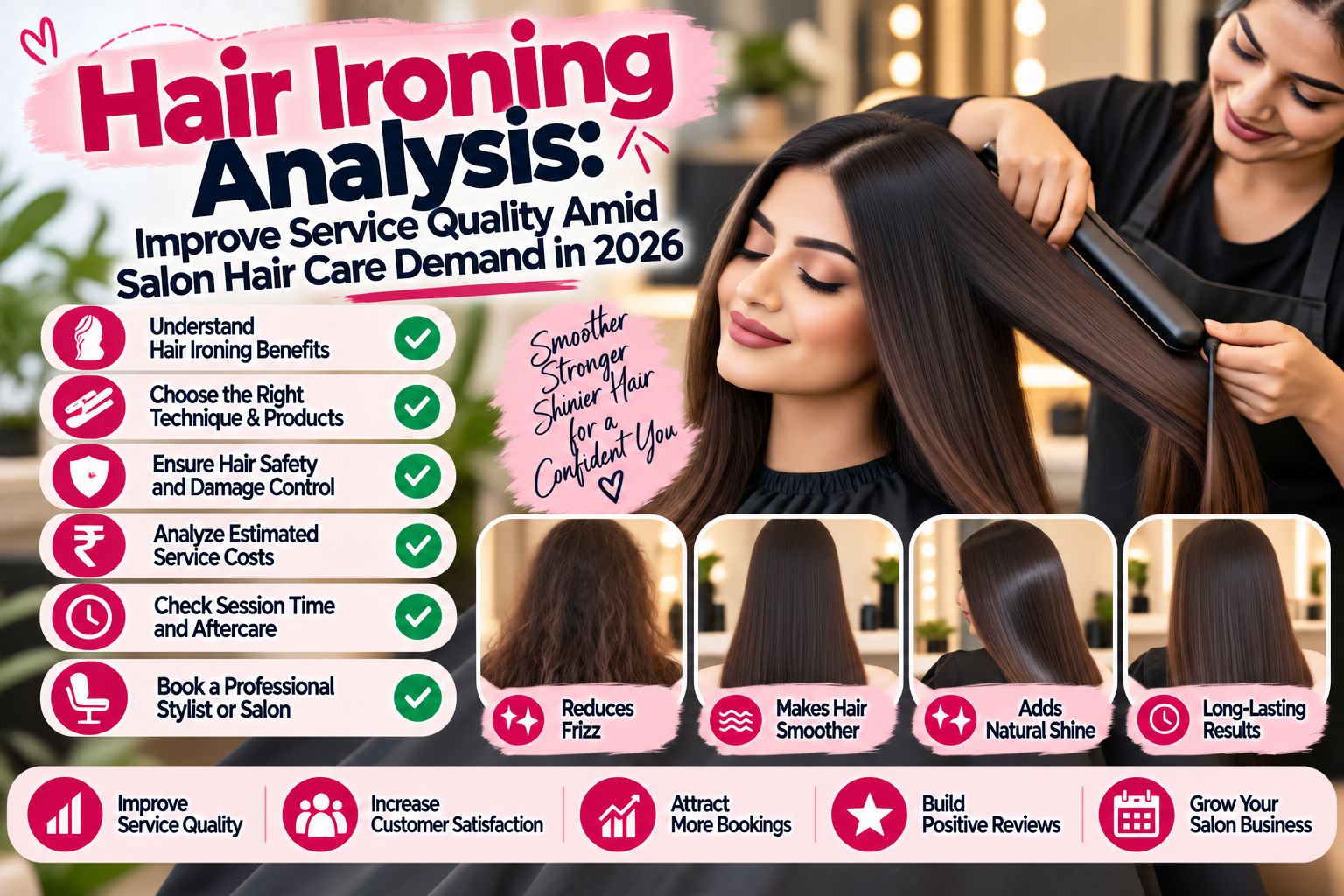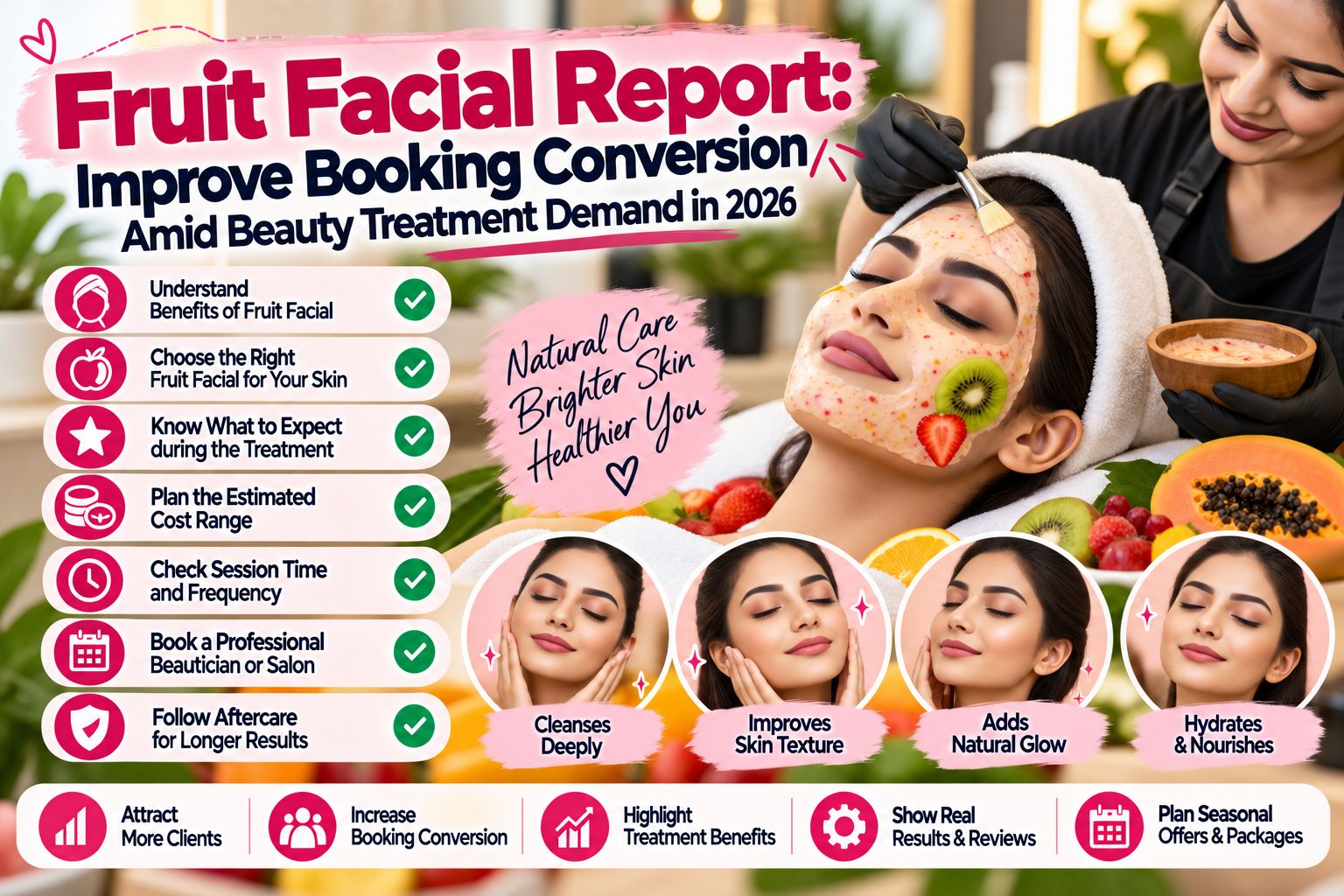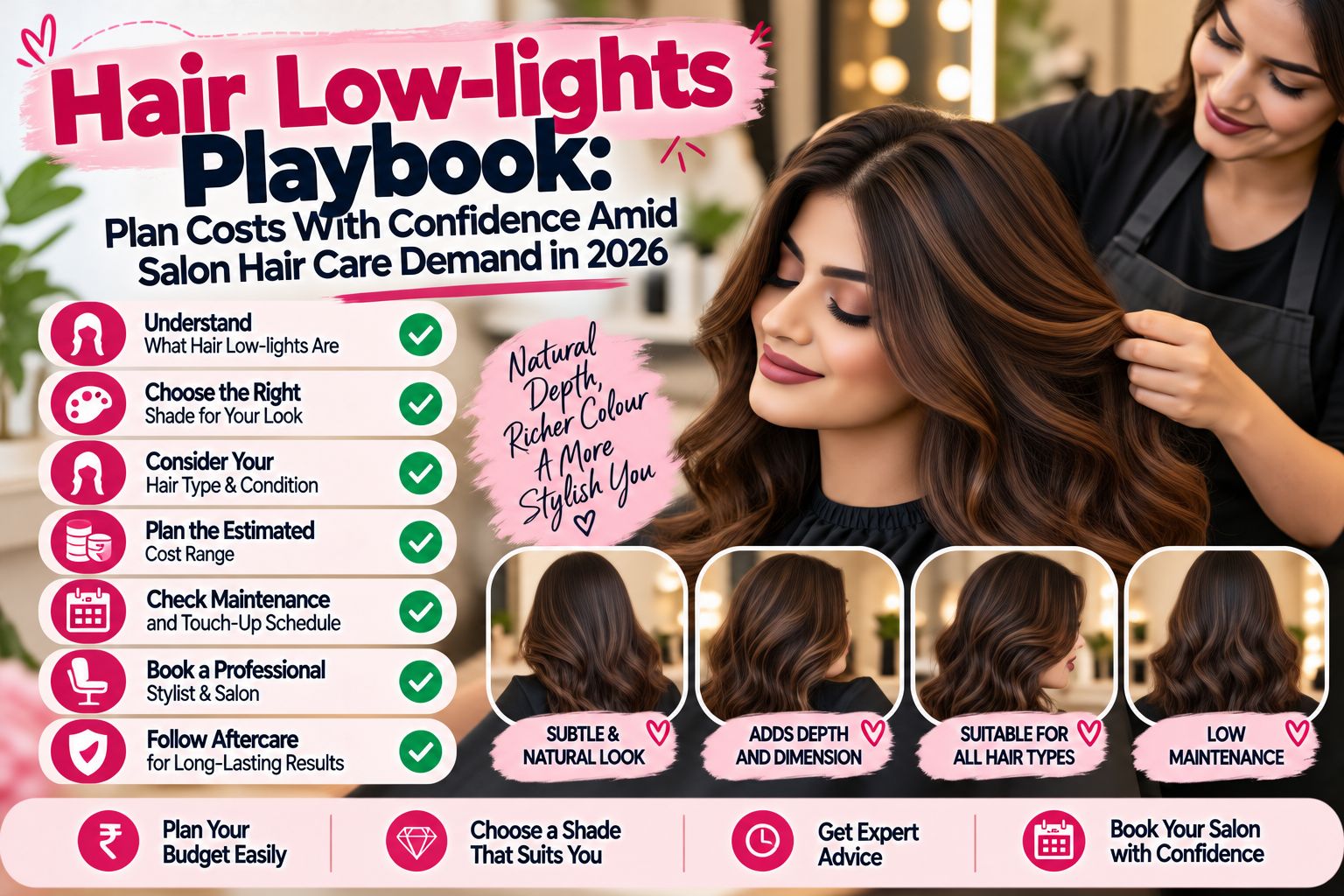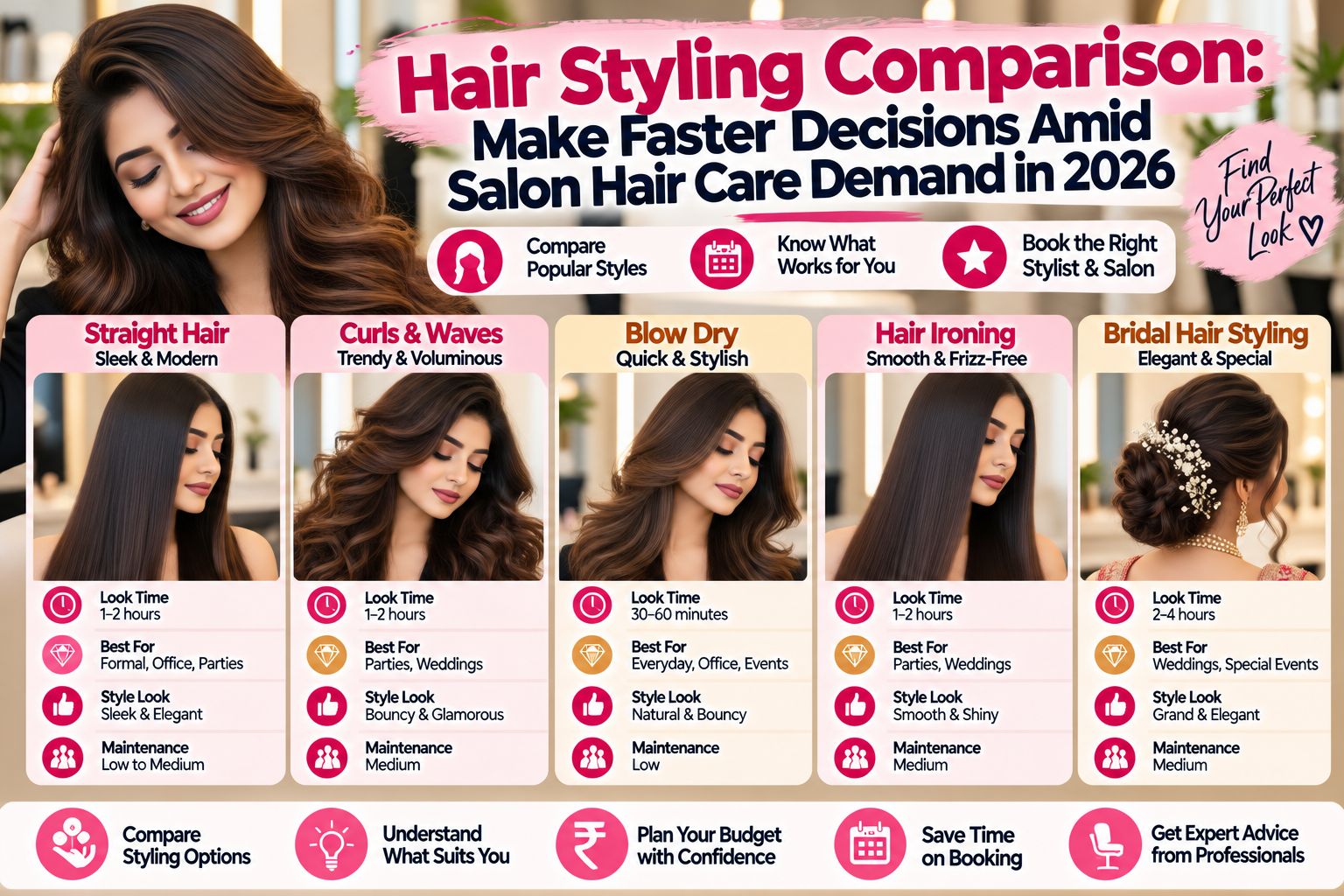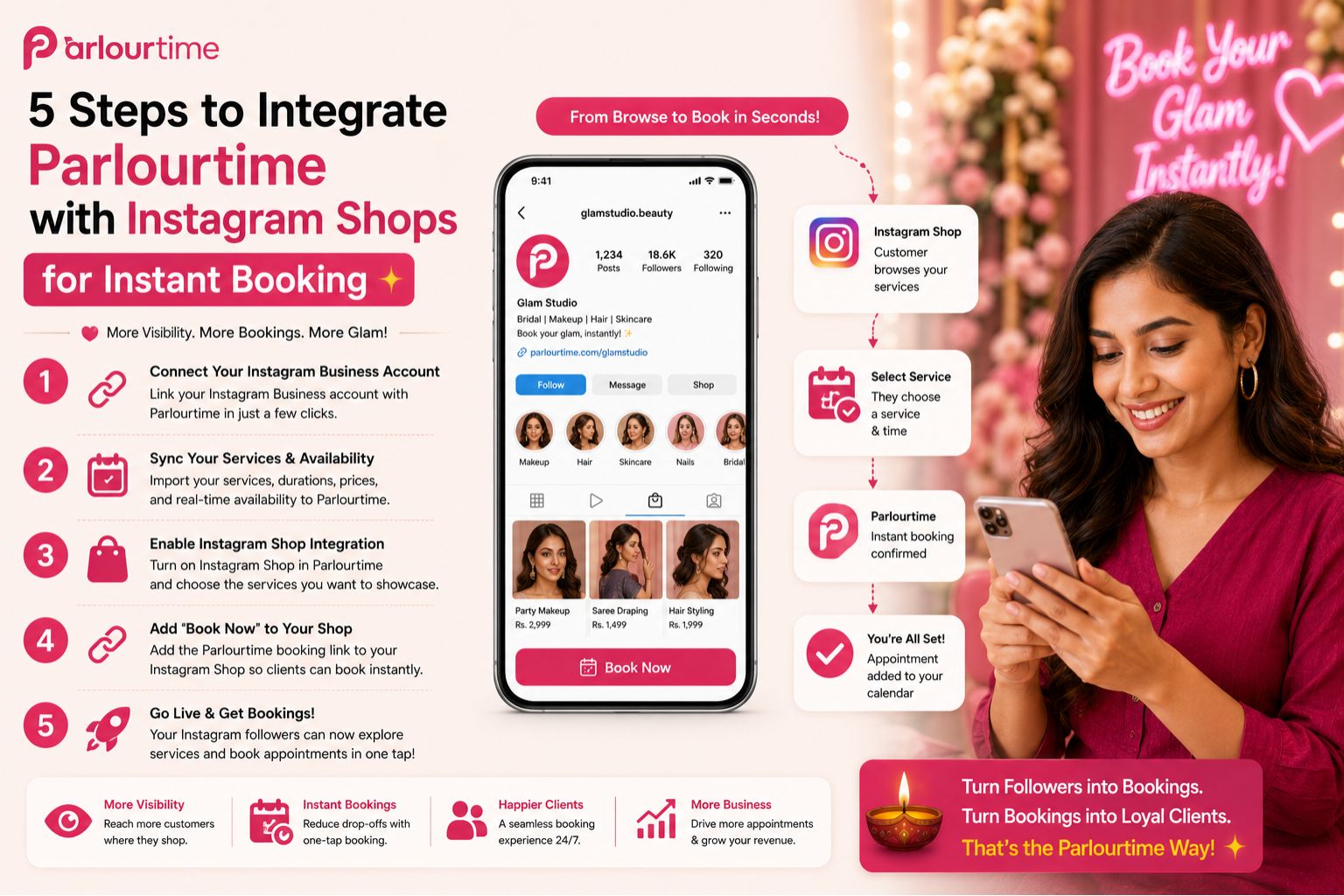


When you integrate Parlourtime with Instagram Shops, you aim to reduce the frustrating gap between a client seeing your service and actually booking it. Many salon owners lose clients because their Instagram Shop shows services but offers no way to book instantly, leading to abandoned carts and missed appointments. This confusion—where a client thinks they booked but never confirmed—is a common real-world failure after a salon sets up social commerce without proper booking links. Honestly, I’ve seen this happen even with good setups—it’s not just you.
Why Instagram Shop Integration Fails for Salons
The core issue is that Instagram Shops are built for product sales, not service reservations. When a client clicks "Book Now" on your post, they often land on a generic page or a form that doesn't reflect your real-time availability. A common oversight is assuming that adding a service tag automatically enables booking; in reality, it requires a direct link to a booking system that shows your calendar, treatment durations, and staff schedules. Without this, clients message you for times, causing delays that kill the booking impulse. I’ve literally had clients message me “hey, I clicked but nothing happened”—it’s embarrassing.
Step 1: Connect Your Parlourtime Account to Facebook Commerce Manager
Integration starts by linking your Parlourtime account with Facebook Commerce Manager, which powers Instagram Shops. You must ensure your business profile is verified and that your service catalog includes accurate pricing, duration, and description of each treatment, like a bridal facial or keratin smoothing. A non-obvious detail is that if your Instagram Shop catalog has product-only items, you need to create a separate service catalog; otherwise, the booking button won't appear correctly, leading to client frustration when they try to book a salon facial but see a retail product. Trust me, I’ve seen this happen—clients think they’re buying a shampoo instead of a haircut.
Step 3: Enable the "Book Now" Button on Your Instagram Shop Posts
Once your catalog is synced, you must manually enable the "Book Now" call-to-action button on each post that features a service. This step fails for many because they assume it happens automatically. You need to select "Book with Parlourtime" from the list of booking partners in your Facebook catalog settings. A key boundary is that this only works for single-service posts, not carousel posts with multiple treatments; trying to book from a carousel often redirects clients to an ambiguous page, increasing their doubt about whether their booking was confirmed. Honestly, I almost skipped this step myself—thought it would just work magically. Nope.
Step 4: Test the Client Booking Flow from Discovery to Confirmation
After setup, test the entire journey from Instagram discovery to booking confirmation in Parlourtime. A common misunderstanding is that if the button shows, the flow works. In reality, a broken redirect or a missed sync between the catalog description and your availability causes a "patchy" experience where the client selects a time but gets an error. You must verify that the booking times shown are accurate for your current schedule, especially during bridal preparation seasons when demand spikes, to avoid double-booking and client disappointment. I tested mine three times last month and still found a glitch—so don’t skip this.
FAQ
q: Why is my Instagram Shop not showing a "Book Now" button for salon services?
a: This usually happens because your Facebook Commerce Manager catalog is set to products and not services, or the Parlourtime integration is not approved. Go to Commerce Manager, create a service catalog, and re-link your Parlourtime account. Honestly, this tripped me up for two days.
q: Can a client book a hair treatment immediately after seeing it on Instagram Shop?
a: Yes, if you complete all 5 steps correctly. The process works best when your Parlourtime calendar is live and synced. A delayed booking often occurs because the salon hasn't tested the flow after setup. I learned that the hard way.
q: Will integrating Instagram Shop with Parlourtime work for salons with multiple branches?
a: It is designed for single-location setups. For multiple branches, you need to create separate Instagram Shops for each location, as Parlourtime integration supports one location per Instagram account currently. This is a boundary many salon chains overlook—and honestly, it’s a bit annoying if you’re growing.
q: What happens if a client books but I don't have availability on that date?
a: If your Parlourtime calendar is updated in real-time, it will automatically block the slot. A common mistake is not syncing your offline walk-in bookings. Use parlourtime to manually update your schedule to prevent conflicts. I forget this sometimes too—walk-ins mess up everything.