

You know that feeling? You pick a haircut online, the price looks okay, but then at checkout... it just feels a bit off. Like, is this what I paid last time? It makes you pause, wondering if you're paying for the haircut or just because it's a convenient time to book.
What Dynamic Pricing Means for Your Salon Visit
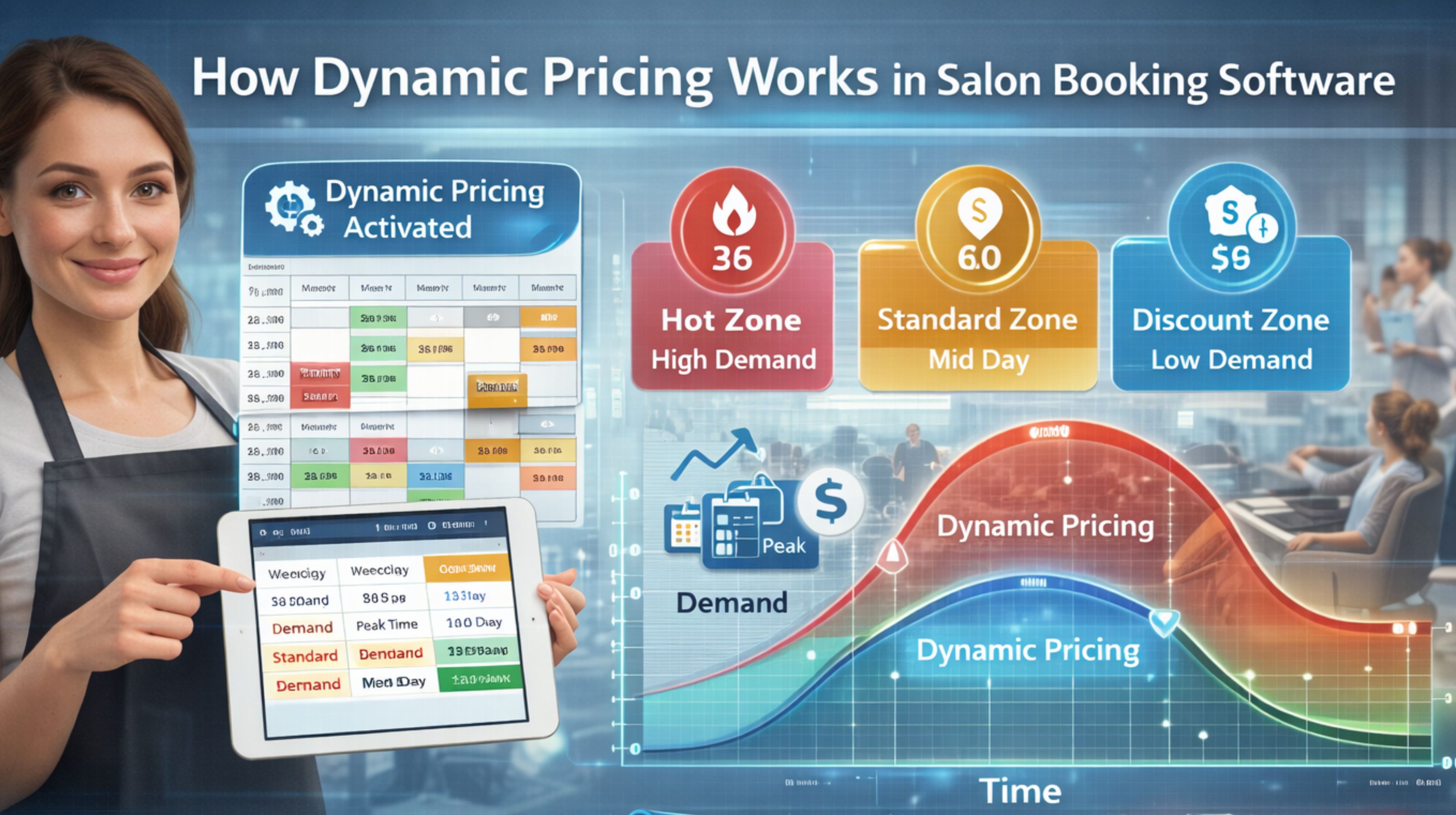
So basically, it's the booking app changing the price on the fly. That threading or facial isn't one fixed cost anymore. You've probably seen it—a "weekend charge" pops up for a Saturday slot that wasn't there on a Tuesday. What I didn't realise at first is it's not just about the salon's hours. It can be for a specific, popular stylist's time too. Their calendar runs by different rules.
The Reality of Price Changes on Your Booking Screen
What's actually happening is the salon owner sets these rules in the software. When everyone wants an appointment—think Diwali season, or a wedding weekend—the price just... creeps up. It's supposed to go the other way too, for dead hours, but honestly, when do you ever see a salon advertise a discount? The big thing I got wrong was thinking the price on the service menu was the price. It's not. It's more like a starting point that jumps the second you click on a busy day.
The Risk of Booking at the Wrong Moment
The real trap is thinking you can just sit and think about it. I've done this. You leave the page open, maybe check your calendar, and when you come back to book, the price has gone up. The software sees lots of people looking at that slot and thinks "high demand." So you end up paying more for the exact same thing, just because you hesitated. It feels unfair, like a penalty for not deciding fast enough. It's enough to make you want to just call them, but then you can't see the slots. For more on figuring this stuff out, you can look at their blogs.
How to Navigate Pricing for Your Next Appointment
Okay, so what do you do? First, don't just check one time. Look at a few different days and slots to spot the pattern. Early mornings or a Wednesday afternoon are usually cheaper. Accept that if you're booking last-minute for someone everyone wants, you'll pay extra. Use the calendar view—if a day is covered in booked slots, that's your sign the price is probably higher. Tools like parlourtime show you the availability, which at least lets you see what you're getting into before you commit.
FAQ
q: Does dynamic pricing mean I always pay more?
a: Not always. If you can book during quieter times the software flags—like a weekday afternoon—you might actually pay less.
q: Can I see the price before finalizing my booking?
a: Yes, it shows the total before you pay. But if you close the page and come back later, that price might not be the same if the slot is filling up.
q: Do all salons use this kind of pricing?
a: Not every single one, but it's getting really common, especially with salons that use those modern booking apps.
q: Is there a way to lock in a lower price?
a: Only when you actually complete the payment and get the booking confirmation. Until then, it's not really locked in.